


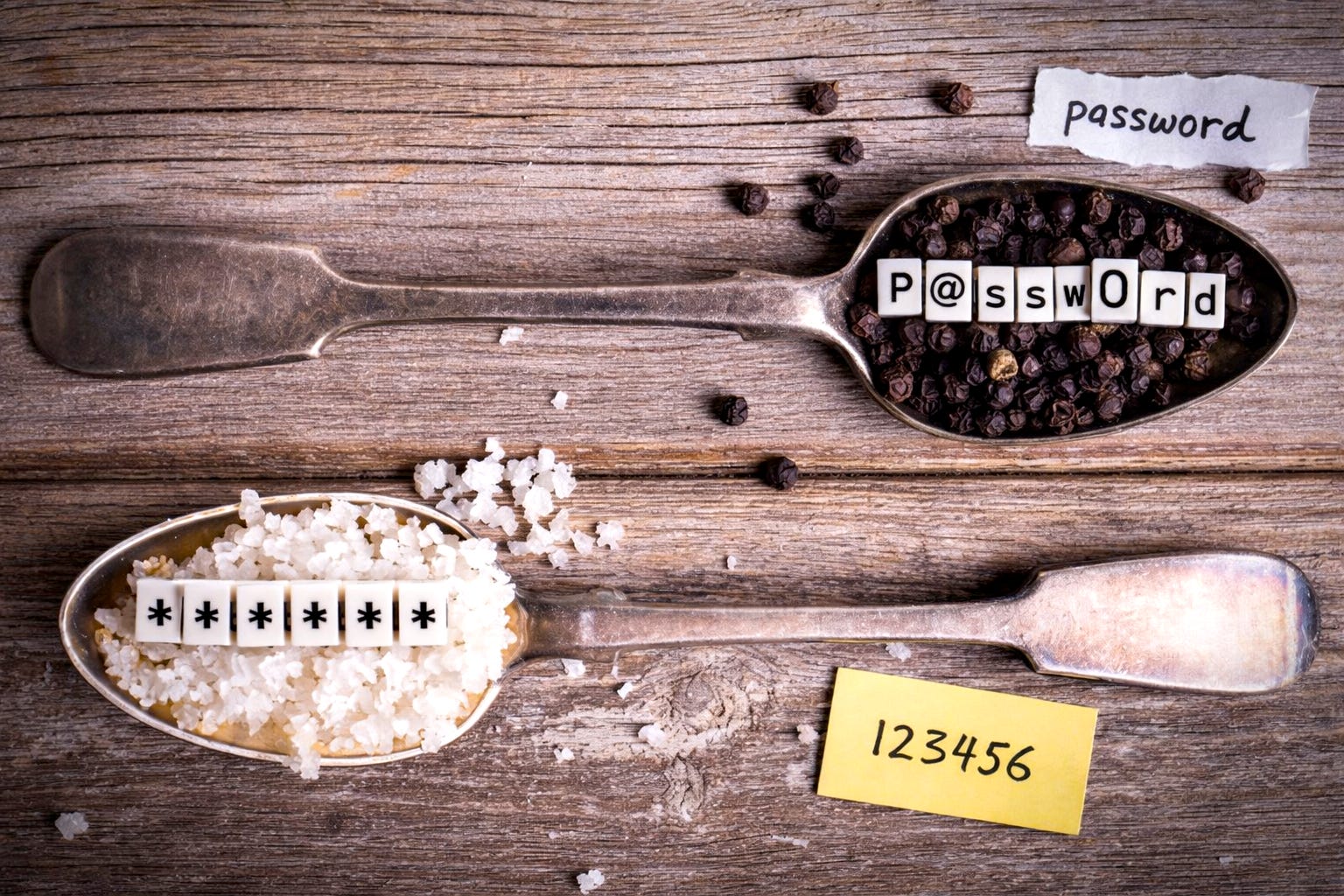
The seemingly endless stream of announcements about multi-million-user account breaches is a good opportunity to revisit industry best practices: how do serious web services and applications actually protect your passwords?
Answer: they cook them.
In this article, we’ll step behind the counter and see what really happens in the kitchen of a well-run online service. How does a careful developer—our digital chef—go about protecting users’ passwords?
Over 15 years as a tech journalist, I interviewed some of the people who built these foundations. Including Bruce Schneier and two of the creators of the RSA algorithm (Rivest, Shamir, Adleman).
Here’s what they got right about password protection—and why all three now argue passwords should be killed entirely.
Before stepping into the kitchen, it’s worth revisiting the problem the chef is trying to solve. The developer doesn’t know you, has never met you, yet still needs to reliably recognize you when you return to the service.
The simplest way to do this is to ask you, during registration, to choose a secret (your password), which they store carefully—usually in a database accessible to the web application. From that point on, anyone claiming to be you must provide the same secret. The developer simply compares what you enter with what they have on file. If they match, you’re in; if not, try again.
An attentive reader will notice that this implies all user passwords are stored in a database fully accessible to the web application. That’s unavoidable with traditional password-based authentication: the application must be able to receive your password and compare it against a stored value—which is precisely why the industry has been searching for better alternatives for quite some time (biometrics, certificates, pass-phrases, physical tokens...)
But let’s get back to passwords. So how do you prevent an attacker from simply reading the database directly and walking away with every password?
Short answer: it’s hard.
Of course, there are well-known basic protections. The database itself is password-protected and typically not exposed directly to the internet—only the web application is allowed to query it. A conscientious developer will also design the application so attackers can’t trick it into revealing passwords (notably via classic SQL injection attacks). Beyond that, there are more advanced measures to protect the infrastructure itself—and even to restrict what people with database access can do.
But a realistic developer assumes that, sooner or later, the password database will fall into attackers’ hands. The real goal is then to make life as difficult as possible for anyone who steals it.
Chop Finely
The first technique is to hash passwords. Not with a butcher’s knife, but with a mathematical function known as a hash function.
Starting from a readable password, a hash function produces a completely different sequence of letters and numbers. For example, the word “Casimir” (a very poor password, by the way) becomes:
8a7b9eadc09b43afa96ce42c5febdca94ea8ac04
when run through the (now deprecated) SHA-1 algorithm (just one hash function among many).
Important point: this is not encryption. Anyone can compute the hash of “Casimir”; no secret key is required. Hash algorithms are public and you can easily try them yourself online.
So what’s the point of hashing passwords?
It prevents attackers from immediately reading them in the stolen database.
In normal use, when you log in, you enter your password in plain text (“Casimir”). The web application hashes it and compares the result with the hash stored in the database. The password itself is never stored—or even seen—in clear text.
This process is invisible to users, but for attackers it makes things much harder. If all they have is the hash 8a7b9eadc09b43afa96ce42c5febdca94ea8ac04, and they want to know that the actual password is “Casimir,” they must try every possible word, hash each one, and compare the results to the stolen hashes. Done properly, this can take quite a long time.
At this point, it should be obvious why choosing common dictionary words as passwords is a bad idea. To save time, attackers long ago automated dictionary attacks: they hash every word from dictionaries (in multiple languages) and automatically check whether any of those hashes appear in the stolen database. When they find a match, they’ve cracked a password and can log in.
To slow them down, security specialists, and especially mathematicians, whom we should thank for not giving up during high-school math, designed hash functions that deliberately take a noticeable amount of time to compute. We’re talking milliseconds, but the difference matters.
The idea is simple: when a legitimate user logs in, the web application has all the time it needs to compute a single hash. Adding a few extra milliseconds doesn’t matter to the real human who is trying to log in. But when an attacker steals hundreds of millions of passwords, those milliseconds add up. Potentially to years of computation.
That’s time during which the victim organization can notify users and force password resets. Every passing hour reduces the number of valid passwords left to crack—and therefore the value of the stolen data.
Today, the state of the art is to use functions like Argon2id, which can be configured to make large-scale hash computation prohibitively expensive.
Pre-Cooked Meals: Rainbow Tables
Attackers, of course, didn’t stop there. Since they can’t take months or years to compute hashes after a breach, they took a shortcut: pre-computing hashes for the most common passwords. We are talking millions of them.
These pre-computed datasets are known as rainbow tables. When attackers obtain a new password database, comparison becomes instant: they simply look up matches in their tables.
Now you can see why choosing “123456” (or “Casimir”) is such a terrible idea. Those passwords have been sitting in rainbow tables for years. They’re the first to fall.
Add Salt—Generously
Defenders responded quickly. To prevent attackers from relying on pre-computed hashes, systems now add a random value to each password before hashing it. This value is unique per user and is appended to the password in plain text prior to hashing.
So even though you enter “Casimir” into the password field, what actually gets hashed behind the scenes might look like:
494301c9-2e9c-48ef-965e-2a74ac373dc9::Casimir
That extra value is called the salt.
Each user gets a unique salt. It doesn’t need to be secret and can be stored openly in the database next to the password hash. Its sole purpose is to make rainbow tables useless.
Attackers are extremely unlikely to already have rainbow tables computed for every dictionary word combined with your specific salt and then again for every other user’s in that database. So they’re forced to start from scratch and compute hashes in real time for each password. Goodbye, rainbow tables.
Add Pepper for Extra Bite
At this point, we’re already following good practice: passwords hashed with a strong algorithm like Argon2id and salted per user give attackers a serious headache. But defenders still have one last ace up their sleeve: pepper.
Pepper is the opposite of salt. It’s a single value shared by all passwords (unlike salt), but this time it must remain secret (unlike salt). It’s stored outside the database, usually directly in the application code or configuration.
Pepper is applied just like salt: it’s added to the password (and its salt) before hashing.
Why bother?
Because in many breaches, attackers only access the database. Either they can’t fully compromise the servers and infrastructure (for example, they exploited an SQL injection and only were able to dump the database’s content), or they’re short on time, can’t audit the code to locate the salt and thus grab the easiest target before moving on: the database.
By adding a secret value outside the database, you dramatically increase the attacker’s workload. You’ve effectively strengthened every password by increasing its length and complexity with a value they don’t have—unless they also gain deeper access to the system, such as the application source code or configuration files.
How Bad Is the Breach?
Hopefully, you can now better judge the severity of the next mega-breach you read about:
“Passwords were stored in clear text” → disaster (and arguably professional malpractice)
“Passwords were not salted” → almost as bad
“Passwords were hashed, salted (and peppered for bonus points)” → relax for now… They’re still out there, waiting for someone to crack them one day. At least you’ve got time to change them
So, bon appétit… and now that you understand everything that can go wrong with passwords and how much of it is out of your control, try to move away from them whenever and wherever you can.
In a future article, I'll explore why the RSA creators, pure cryptography legends, believe passwords are fundamentally broken, and why we're still using them anyway.
A brilliant, easy to understand, explanation of password hashing, salting, and rainbow tables.